
Pin the clips you use most
Reorder pinned clips to keep the ones you need at the top.
Find copied text, images and files in a searchable history on your Mac.
One-time purchaseNo subscriptionmacOS 14+
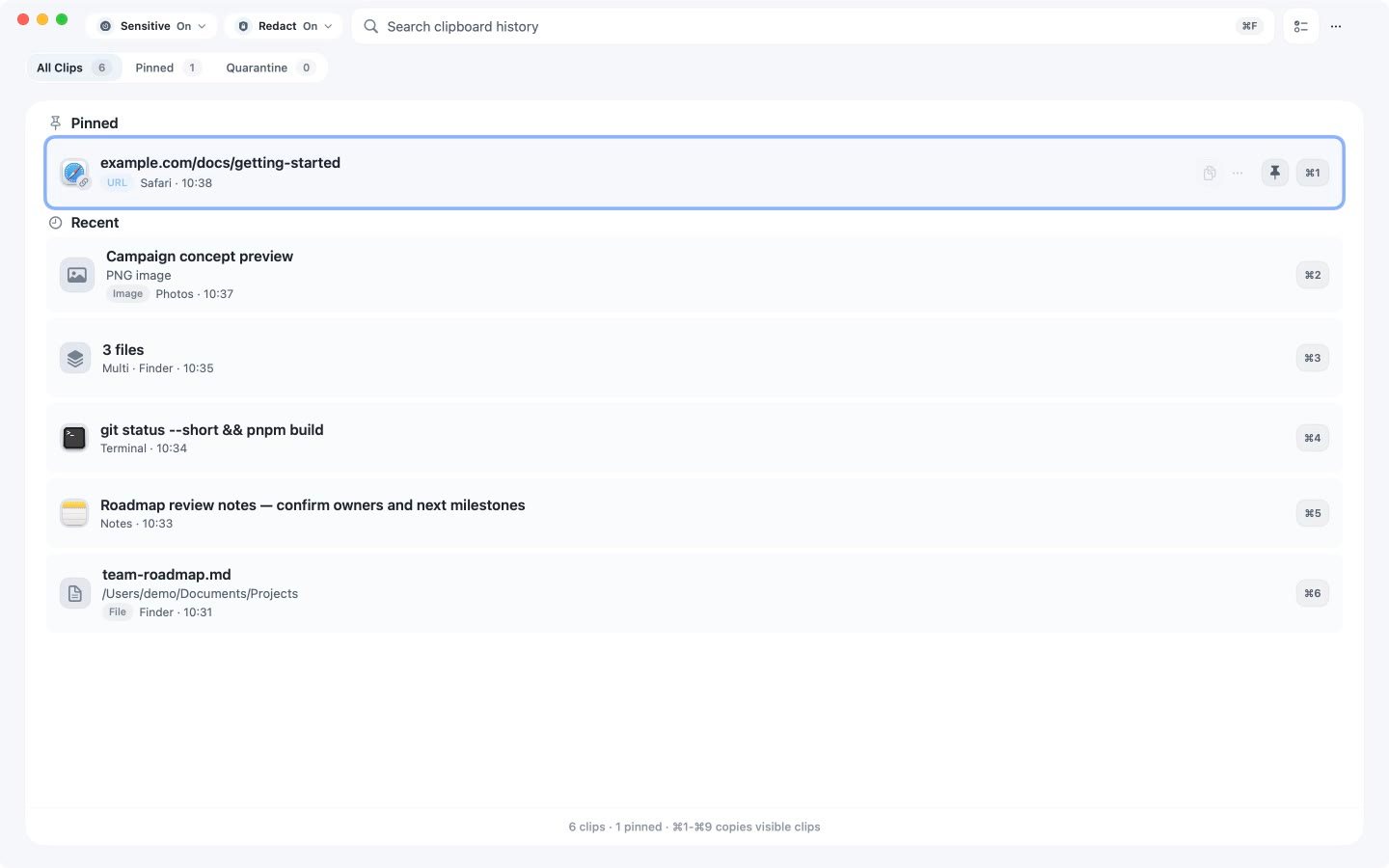
How it works
Search by content, content type or source app. Copy times help you recognise the right result.
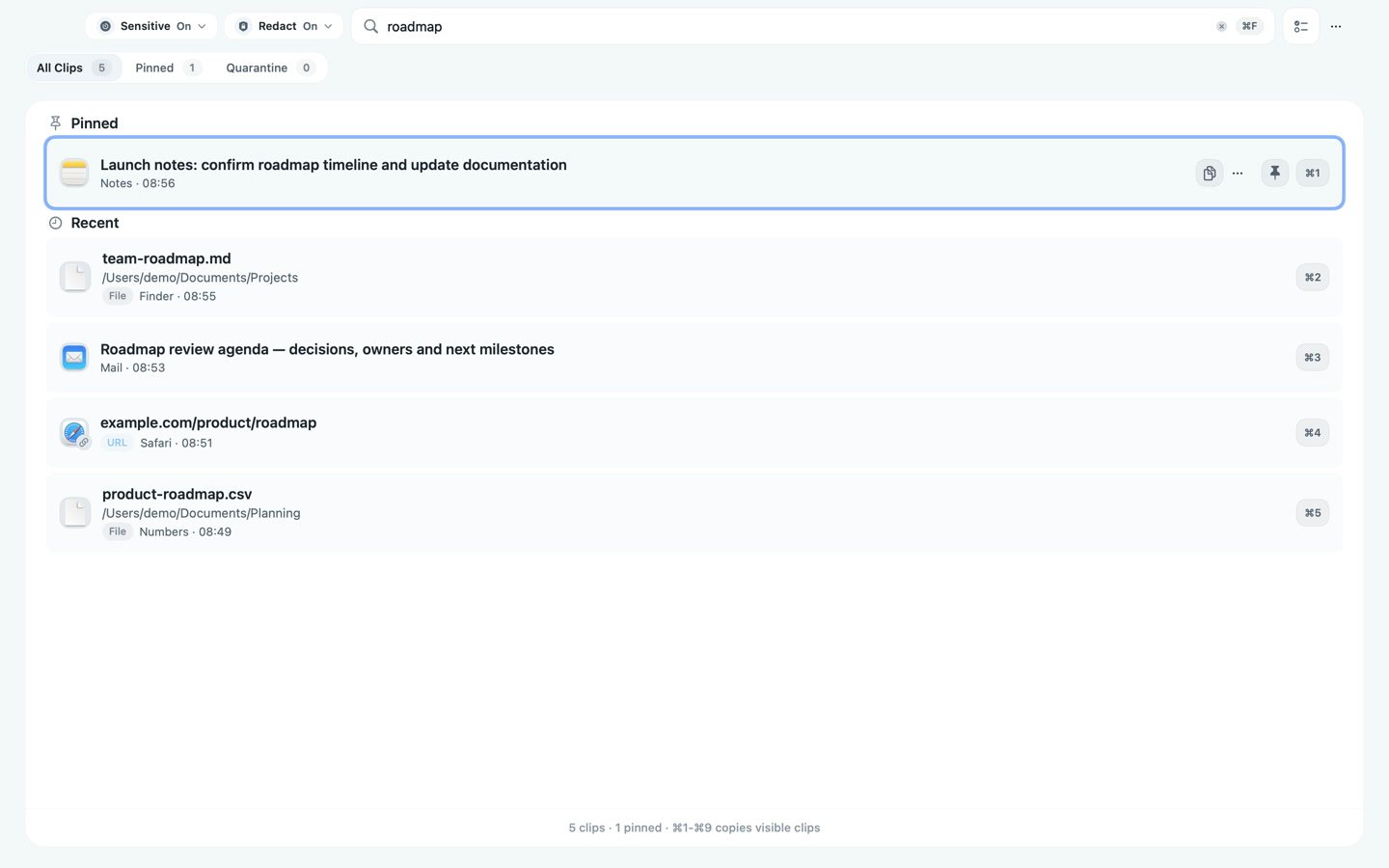
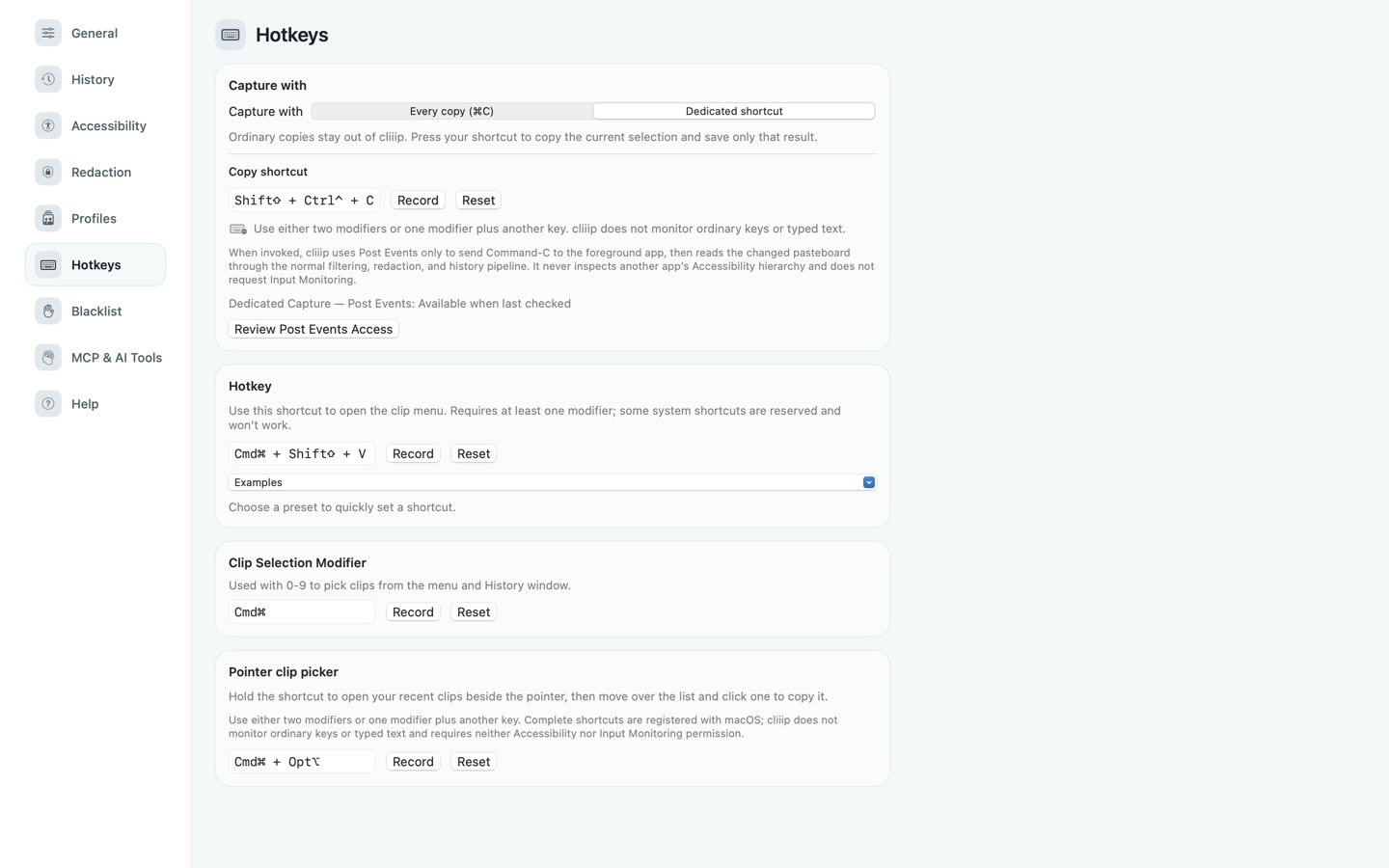
Open your history with a click or a shortcut, then use the keyboard or pointer to choose a clip.
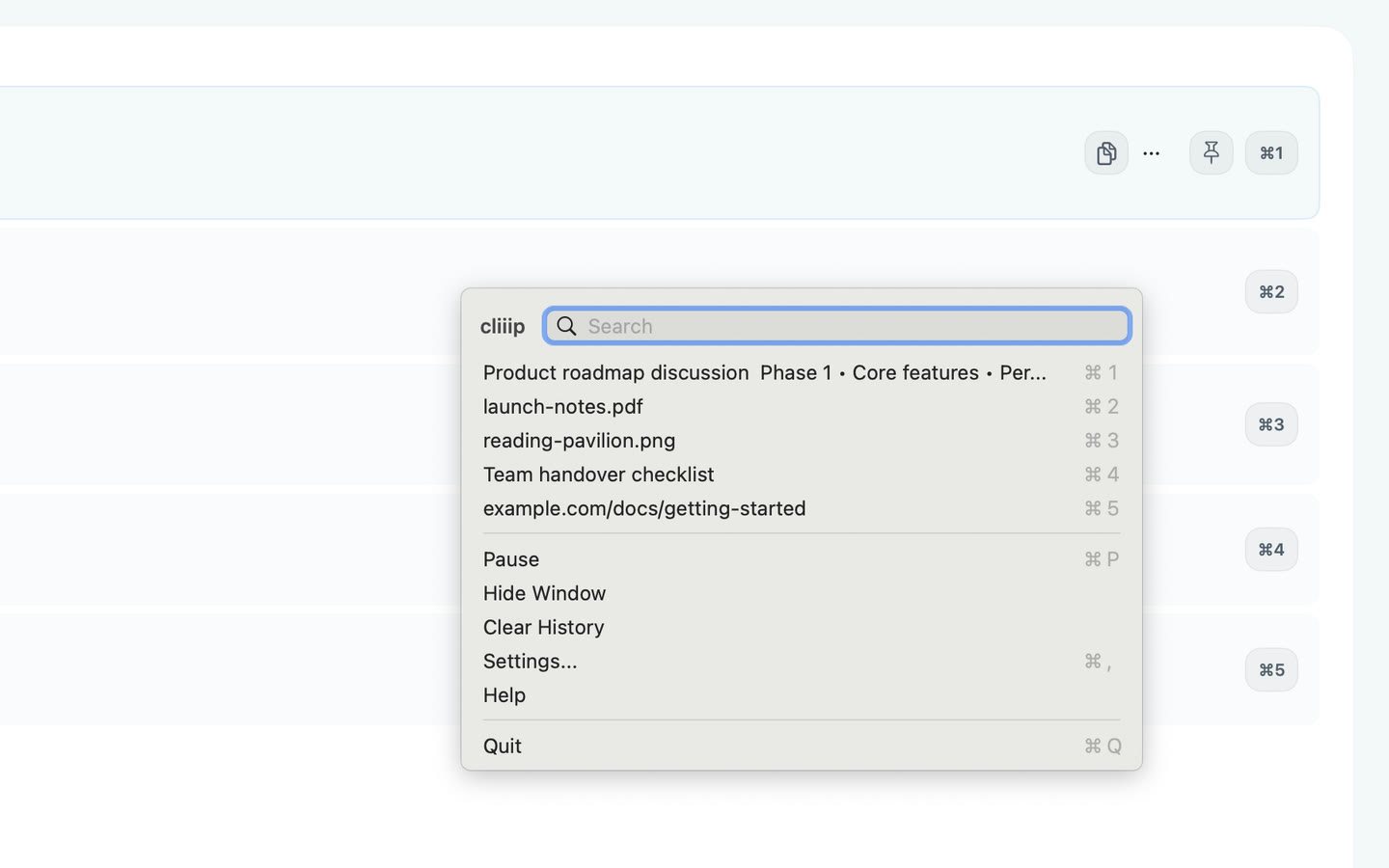
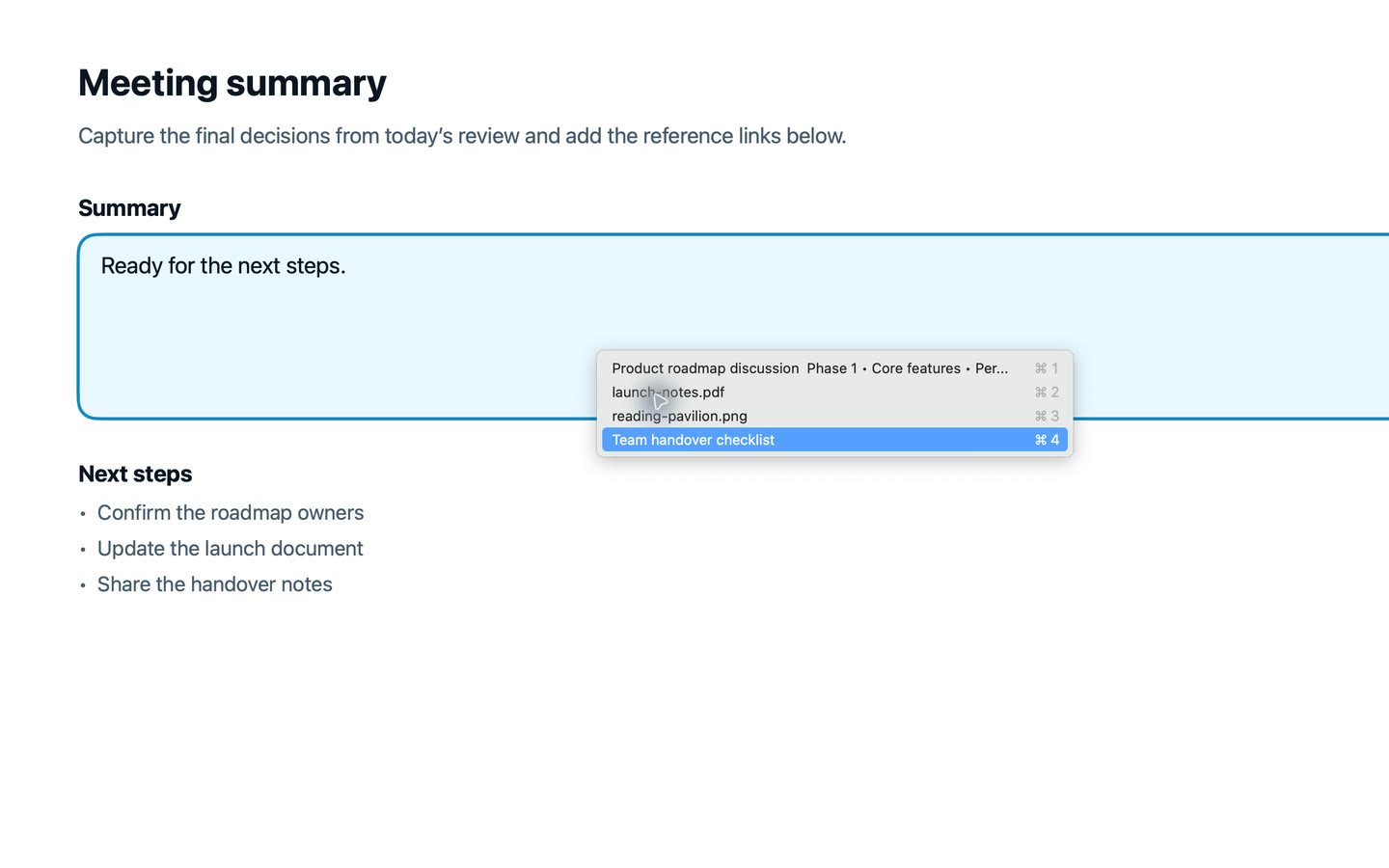
Hold your shortcut (⌥⌘ by default) to open recent clips beside your pointer. Click one to copy it, then paste with ⌘V in the app you’re using.
Save every copy after enabling history, or use Dedicated Capture for selected items. Dedicated Capture needs macOS permission to send Copy.
Previews
Image clips include a preview. File clips refer to the originals, which must remain available.
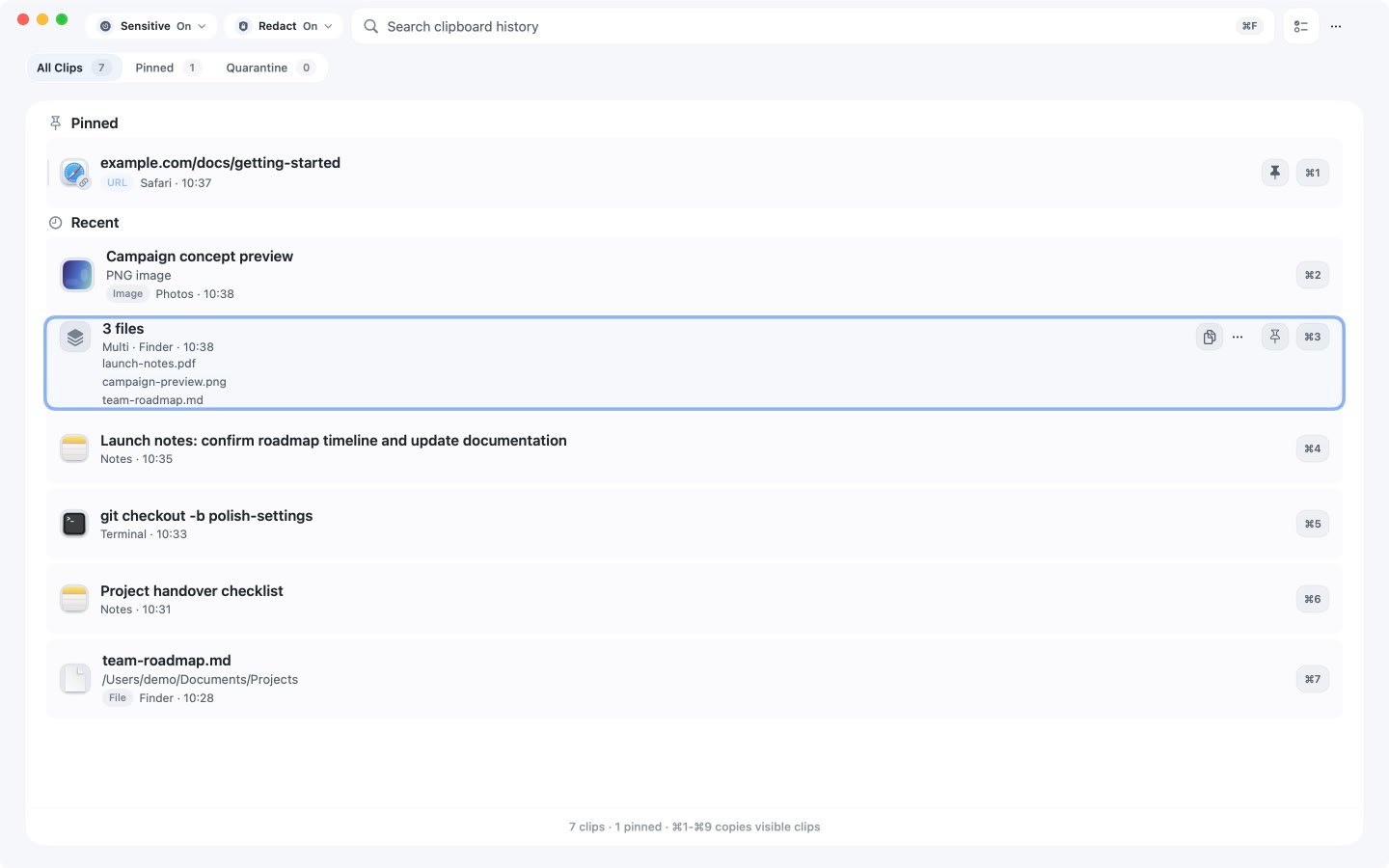
Reorder pinned clips to keep the ones you need at the top.
Select two or more text clips and copy them as one numbered list.
Optional One-Action Paste sends ⌘V after you choose a clip. It’s off by default and requires permission in macOS Accessibility settings.
Privacy
Recognised sensitive content is held separately for review. Detection can miss items, so exclude apps you never want recorded.
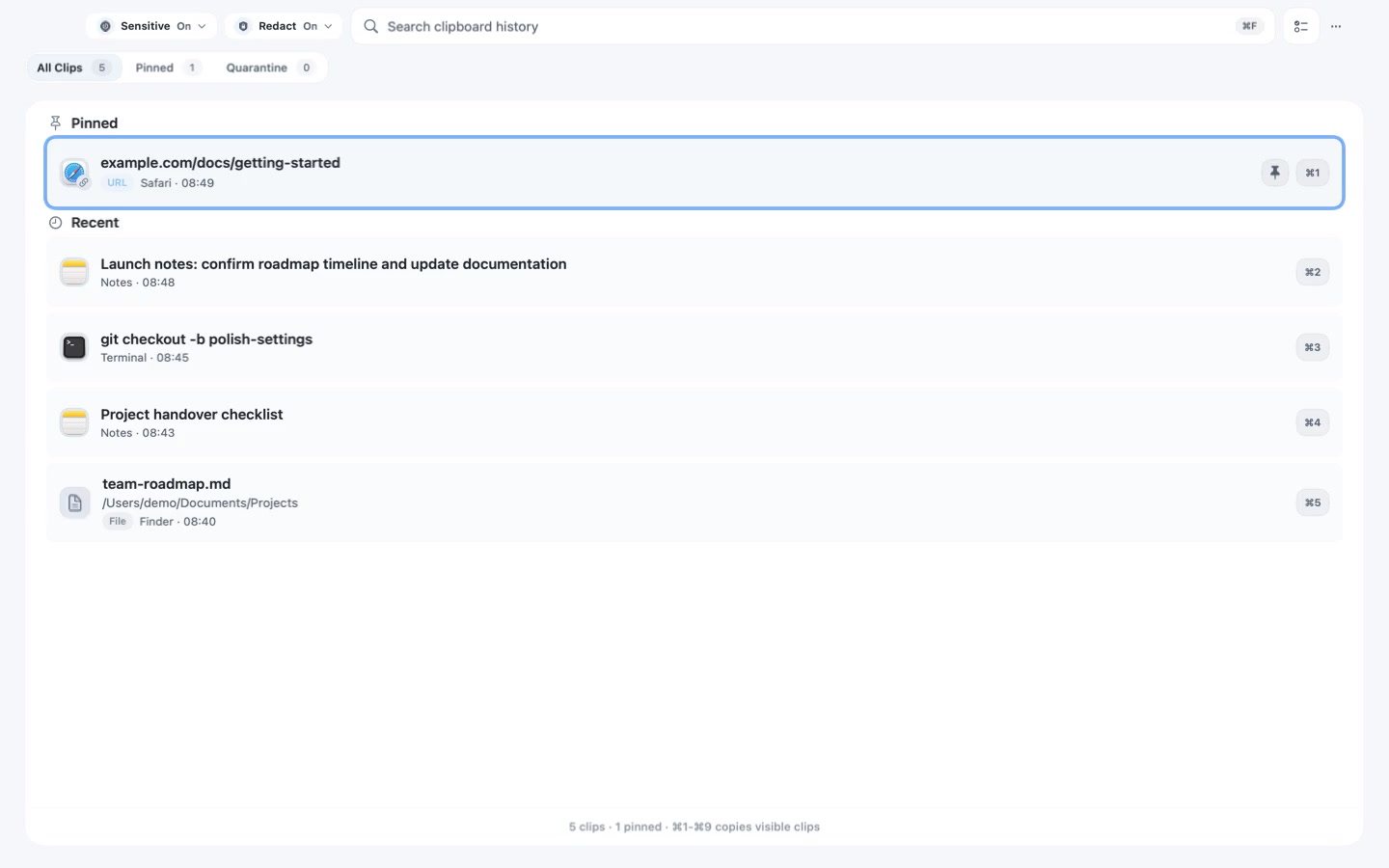
History starts with your next copy, without importing what was already on your clipboard.
cliiip works without an account or cloud clipboard sync, and the app has no analytics or telemetry.
Use memory-only history, or encrypted local storage with limits on age and item count.
App profiles
Choose whether an app is recorded, apply safeguards and set its clipboard auto-clear timing.
How permissions work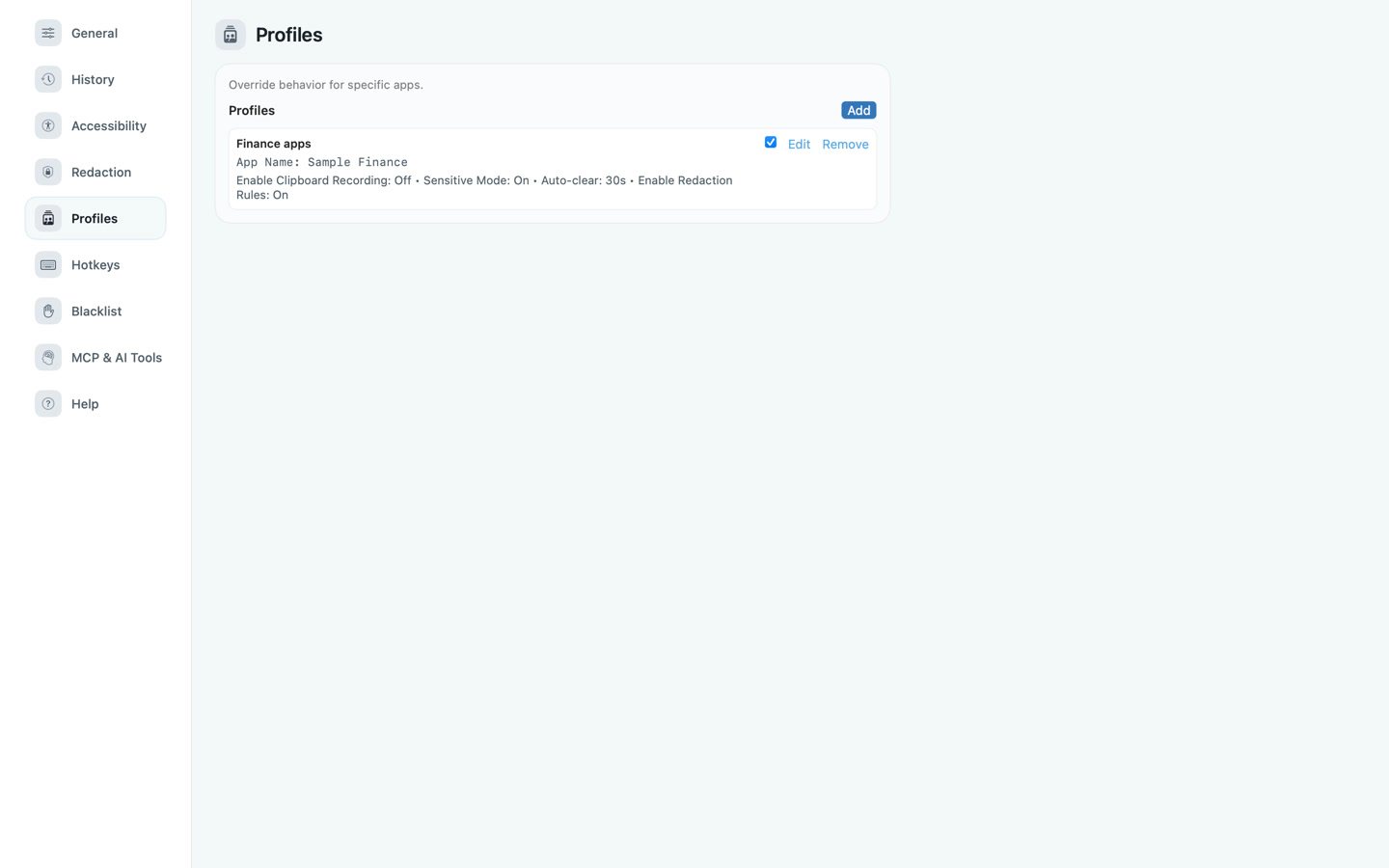
No. cliiip processes clipboard history locally and does not provide cloud clipboard sync.
Yes. Choose Dedicated Capture and use your configured shortcut only for the selections you want cliiip to remember.
No—not for ordinary history, search or Copy. Dedicated Capture and optional One-Action Paste can ask for macOS Post Events permission after you trigger them; macOS displays this under Accessibility settings. cliiip does not use Input Monitoring for these features.
cliiip can keep image previews and references to copied files. It does not duplicate or back up the originals, so they must remain available.
cliiip is a one-time purchase. The Mac App Store shows the price and currency for your storefront.


One-time purchaseNo subscriptionmacOS 14+
View your local App Store price